
Most architects who have tried AI are stuck in the same pattern. They open Claude. Maybe upload a file. Type a question. Read the response. Copy it into an email or a document. Close the tab. Come back tomorrow and do it again.
Granted, that pattern works. I use it every day. But it has its limits, and if you’ve been using AI for more than a few weeks, you’ve probably already hit it.
The limit is this - chat is pull-based. Nothing happens until you fire up that browser window. You have to remember to open the tool, find the right file, write the prompt, and steer the conversation. Every single time. For every single task.
But architecture projects don’t work that way. A submittal drops into your inbox at 2pm while you’re in a coordination meeting. An RFI lands at 4:30 on a Friday. A consultant uploads revised structural drawings without telling anyone. Each one of those items sits untouched until you find time to open it, read it, figure out what it means, and decide what to do about it. That kind of triage work is invisible, but it eats up your time.
This is where Claude Cowork comes in. And it changes it in a way that matters more for architects than for most other professions.
What Cowork Actually Is
Cowork is a feature inside the Claude Desktop app. You point it at a folder on your computer, and Claude gets direct read and write access to it. You describe an outcome you want. Claude plans the work, executes it, and delivers finished files directly to your folder. No uploading, no copying, no reformatting.
That alone is super useful. But Cowork’s real magic is scheduled tasks. You can tell Cowork to run a task on a timer: every morning at 7 am, every Monday, every 30 minutes. Connect it to your email, calendar, or project tools through built-in connectors, and now Claude checks your inbox, reads your calendar, and produces structured outputs on the schedule you set.
The important part is that Cowork runs whether you’re sitting at your computer or not. You don’t need to initiate it. It just works.
If you want the full setup walkthrough, there are already good general-purpose guides. What I want to talk about is why this specific tool matters more for project-based design work than it does for the generic “knowledge worker” use case most articles write about.
The Pull-to-Push Shift
For however long you’ve been using AI, you’ve been pulling. You open Claude, start a conversation, feed it context, and get a result. Every interaction begins with you.
Cowork reverses that direction. It delivers work to you before you ask for it.
The simplest version of this is a daily project briefing. You connect Cowork to your calendar and email, point it at your project folder, and schedule it to run each morning before you get to the office. By the time you sit down, there’s a structured summary waiting: today’s meetings, what prep they need, which emails came in overnight that require a response, and what deadlines are approaching.
That’s not a small thing. Most architects spend the first 30 to 45 minutes of every day doing exactly this work manually: scanning their inbox, checking their calendar, and mentally assembling a picture of what matters today. A morning briefing automates the assembly. You still make the decisions. You just start making them sooner. I love my daily briefing. It’s the first thing I read in the morning while I’m drinking my coffee.
But a morning briefing runs on a clock. Once a day, same time, done. Unfortunately, projects don’t operate on clocks.
From Timer to Radar
This is where it gets interesting for AEC specifically.
A daily briefing is a timer. It sweeps once and tells you what it found. That handles planned work. It does not handle the submittal that arrives at 2 pm, the RFI that lands mid-afternoon, or the drawing revision that shows up while you’re in a meeting.
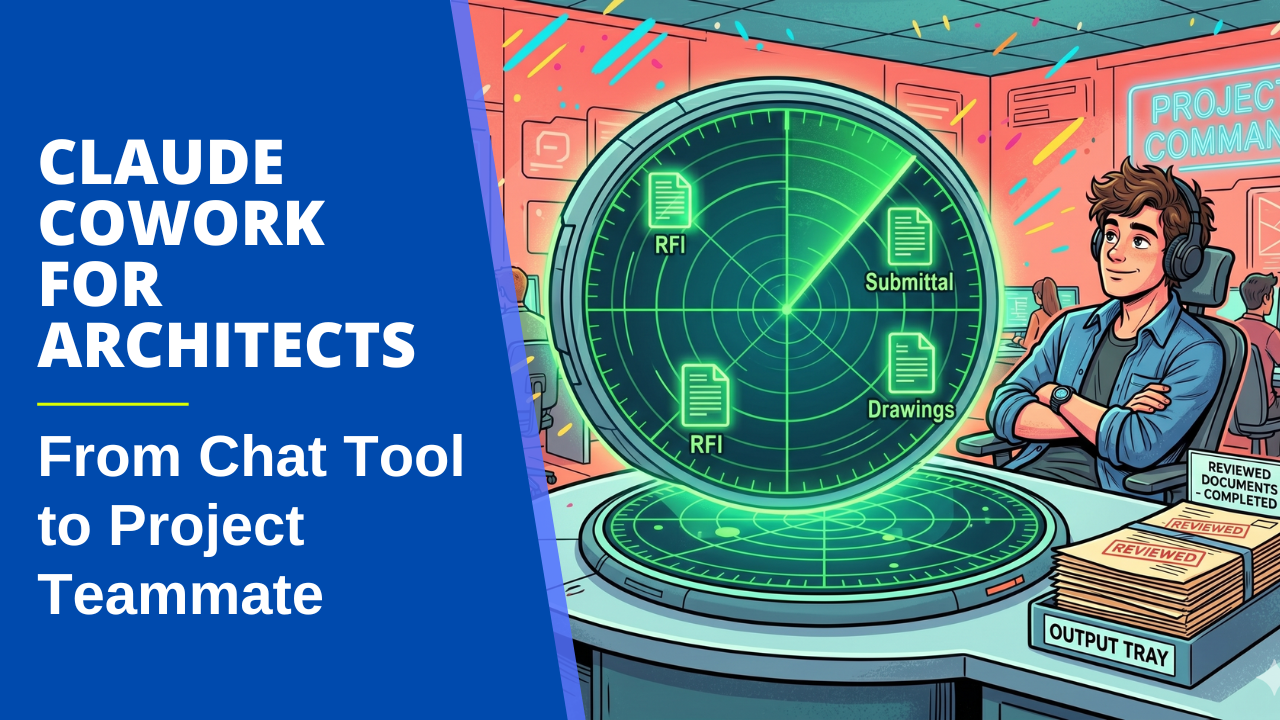
What you actually need is a radar. Something that sweeps continuously throughout the day, detects new activity when it appears, and processes it before you even open the notification.
Cowork can do this. Instead of scheduling a task once a day, you schedule it every 15 to 30 minutes. Each run, it checks your connected sources for new activity: new emails matching project keywords, new files in a watched folder, new calendar events that need prep. When it finds something, it doesn’t just flag it. It processes it.
Here’s a concrete example. A submittal PDF is added to your project folder. On the next sweep, Cowork detects the new file, reads it, identifies the spec section from the cover sheet, pulls the matching specification from your project files, and compares the submitted product data against each requirement. By the time you look at your computer, there’s a draft review sitting in your output folder with specific findings: the interior doors are 18 gauge, but the spec calls for 16, the core material doesn’t match, and the performance level is one grade below what’s required.
You didn’t open Claude. You didn’t upload anything. You didn’t write a prompt. The work had already started before you knew the submittal had arrived.
That’s not a morning briefing. That’s a first responder. And it’s totally possible using Claude Cowork.
Why This Matters More for Architects
Most Cowork content you find online focuses on expense reports, folder cleanup, and meeting prep. That’s fine, as those are real tasks. But architecture has a specific combination of traits that make this tool unusually powerful.
Project-based work with long timelines means the context is deep and persistent. You’re not processing one-off requests. You’re working against a set of specs, standards, and project history that stays relevant for months or years. Cowork can hold that context in a local project folder and reference it on every run.
Heavy document flow from multiple parties means there’s always something arriving. Submittals from the contractor. RFIs from the field. Revised drawings from consultants. Permit comments from the jurisdiction. Each one requires triage before it requires thought. That triage is exactly what a detection loop automates.
Clear evaluation criteria (specs, codes, standards) mean Claude isn’t guessing. When a submittal arrives, the spec tells Claude exactly what to check. When an RFI comes in, the relevant spec section gives Claude enough context to draft a first-pass response. The output still needs your review. But the difference between reviewing a draft and starting from a blank page is the difference between 15 minutes and an hour.
And the constant stream of items that arrive unpredictably is the killer. But architects can use Cowork to get an automated first pass on work that has been sitting untouched in their inbox for hours. That’s a lot more than just prompting.
One Person, Then the Firm
There’s one more thing worth mentioning. Once you’ve built a workflow that works for you, Cowork lets you package it as a plugin and share it with a colleague. They install it, connect their own project folder, and it runs for them exactly as it does for you.
This is how AI adoption actually scales in practice. Not through a firm-wide mandate or a committee evaluating tools for 6 months. It scales through one person who built something useful, showed it to a colleague, and said: “Here, try this.”
One person figures out the submittal review workflow. They share it. Now two people have it. Then five. The value compounds because the hard work was building the first version. Sharing it is nearly free.
Where to Go from Here
If this resonates with you, I teach how to build these workflows in Claude Workflows for Architects, an 8-week course for AEC professionals who want to move past the chat window. Weeks 6 and 7 cover exactly what I described here: the Daily Briefing, the First Responder, detection loops, and how to wire your existing project context into Cowork so it actually produces useful output. Week 8 covers packaging your workflows and sharing them with your team.
The course isn’t about learning to code. It’s about learning to think in workflows. The first five weeks build the foundation (prompting, project context, reusable skills) and the last three put it on autopilot.
The next cohort starts in June. Join the waitlist if you want in.
Get the Thursday Top 5
My weekly email with five interesting and useful links on BIM, design, and technology, plus a few laughs along the way. I send it every Thursday. Join the over 8,000 AEC professionals who already get it.
