
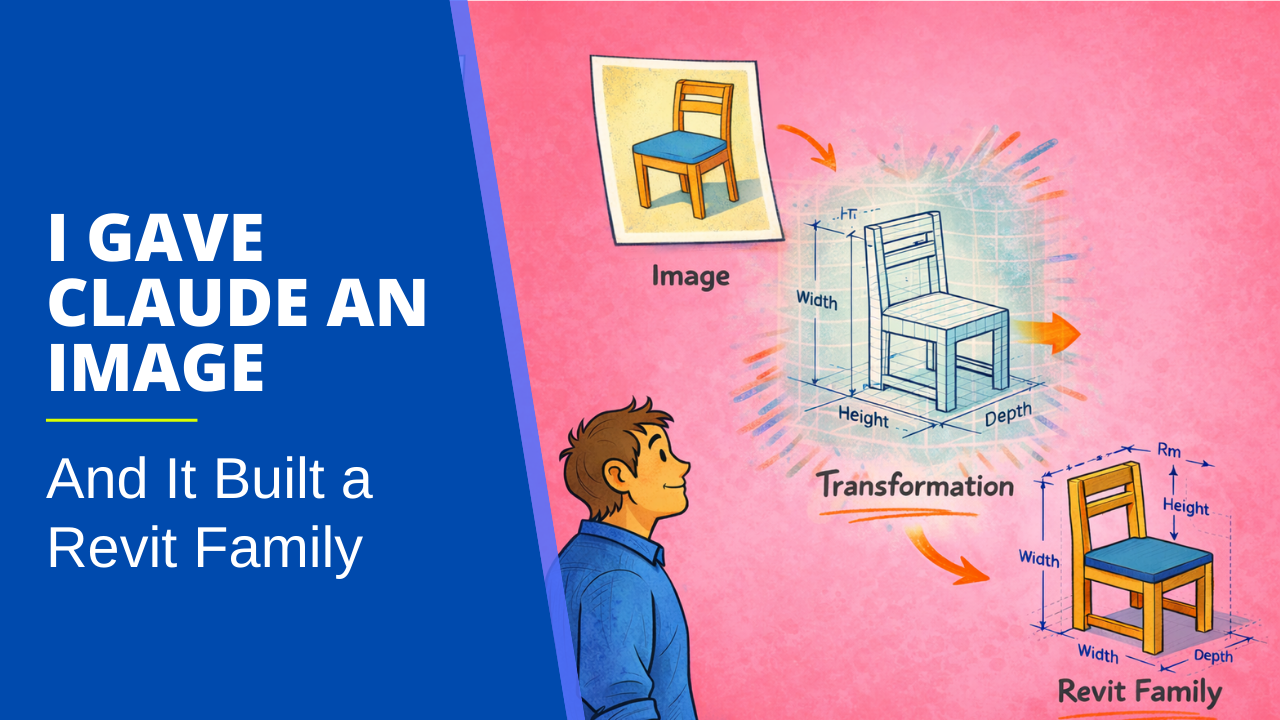
I’ve been experimenting with a process that lets me generate Revit families directly from images. Find a photo of a piece of furniture, upload it, answer a few questions, and get a working family in the Family Editor. No manual modeling. No eye-balling a catalog image while working in the family template.
Here’s a demonstration of what the process looks like.
For those who’d rather read than watch (or who watched and want the details), here’s what’s happening under the hood.
Three Steps, Three Stages
The process breaks down into a pipeline with three distinct steps. Each one produces an output you can inspect before moving to the next.
Step one: Claude analyzes the image.
I use Claude as my primary LLM (large language model). When I upload a photo, Claude identifies the object, determines its Revit category, and then decomposes it into individual geometric components. A bookshelf becomes side panels, shelves, a top, a bottom, and a back panel. A picnic bench becomes a tabletop, seat boards, and leg assemblies. Claude estimates proportions from the image and asks a few targeted questions to fill in the gaps: how wide should this be, what level of detail do I want, and is there a stretcher between those legs? Usually, three or four questions are enough to work with.
Step two: Claude generates a JSON file.
This is the key piece. Claude doesn’t produce an RFA file. It produces a structured data file that defines every extrusion, every reference plane, and every subcategory assignment. That JSON file conforms to a schema I designed specifically for this purpose. And because it’s just data, I can open it, read it, and verify it before anything touches Revit. I built a 3D viewer (using Claude Code, incidentally) that renders the JSON in the browser so I can rotate the model, check proportions, and adjust parameters before committing to a Revit run.
Step three: a custom add-in builds the family.
Inside Revit, I have an add-in called Family Generator that reads the JSON file and constructs the family in the Family Editor. It creates the reference planes, builds the extrusions, assigns subcategories, and sets up the geometry. The add-in doesn’t know or care that AI produced the file. It just reads the schema and executes.
Three stages, each of which is inspectable. If Claude misinterprets the image, I see it in the JSON. If the JSON has bad geometry, I catch it in the 3D viewer. If something looks off in Revit, I can trace it back to the data. There’s no black box.
This Isn’t a Content Library
The obvious comparison is to sites like BIMobject or manufacturer-provided families. Those serve a purpose, but anyone who’s used them knows the gap. The library family is never quite the piece you specified. The dimensions don’t match. The geometry is fixed, not parametric. And the content you need is for the product that just hit the market, not last year’s catalog.
This process flips the input. Instead of searching a library and hoping someone already modeled what you need, you start with the actual product image. The family matches what you’re looking at because it was generated from what you’re looking at.
Where It Stands Right Now
To be clear, this workflow is a proof of concept. The geometry works well for furniture-scale objects. Bookshelves, benches, tables, cabinets. I haven’t tested it with other categories. Claude does a solid job of decomposing these into logical components, and the executor reliably builds them. Subcategories are correctly displayed, so you get visibility control out of the box. Reference planes are placed where you’d expect them.
But there are real limitations. No materials yet. And the families are static, not parametric.
That last one is a deliberate choice. I originally built the system to produce fully parametric families with dimension constraints and labeled parameters. It worked sometimes. Other times, the constraints would conflict, or the parameter expressions would break when you flexed the family. Inconsistent results are worse than limited results, so I pulled parametric behavior out for now. You get solid, reliable geometry that you can make parametric manually if the project warrants it. That tradeoff felt right: a family you can trust and improve is more useful than a parametric family that might blow up when you change a value.
Complex geometry is also still limited. The add-in currently supports extrusions and sweeps, which cover much of the ground for furniture. Blends are defined in the schema but not yet implemented in Revit. So A-frame legs on a picnic bench get approximated as rectangular extrusions for now. Serviceable, not beautiful.
These are all solvable problems. But they’re not solved yet, and I’d rather be honest about that than pretend the demo represents a finished product.
What’s Next
I’m pushing this in two directions.
First, I’m expanding the family generator's capabilities. Materials, parametric behavior (done right this time), and more geometry types are all on the roadmap. Each one makes the output more useful for real project work.
Second, I’m applying the same pattern to a different problem entirely: floor plans. The idea is the same pipeline. Upload a hand-drawn sketch or a bubble diagram, have Claude interpret it, generate a JSON definition, and build walls, rooms, doors, and windows in Revit. It’s a different schema, but the same concept.
Over the next few posts, I’m going to break down the thinking behind this approach, including why I chose this architecture over the MCP server approach I wrote about recently, and take an honest look at where AI gets things right and wrong in this workflow. Stay tuned!
Get the Thursday Top 5
My weekly email with five interesting and useful links on BIM, design, and technology, plus a few laughs along the way. I send it every Thursday. Join the over 8,000 AEC professionals who already get it.
